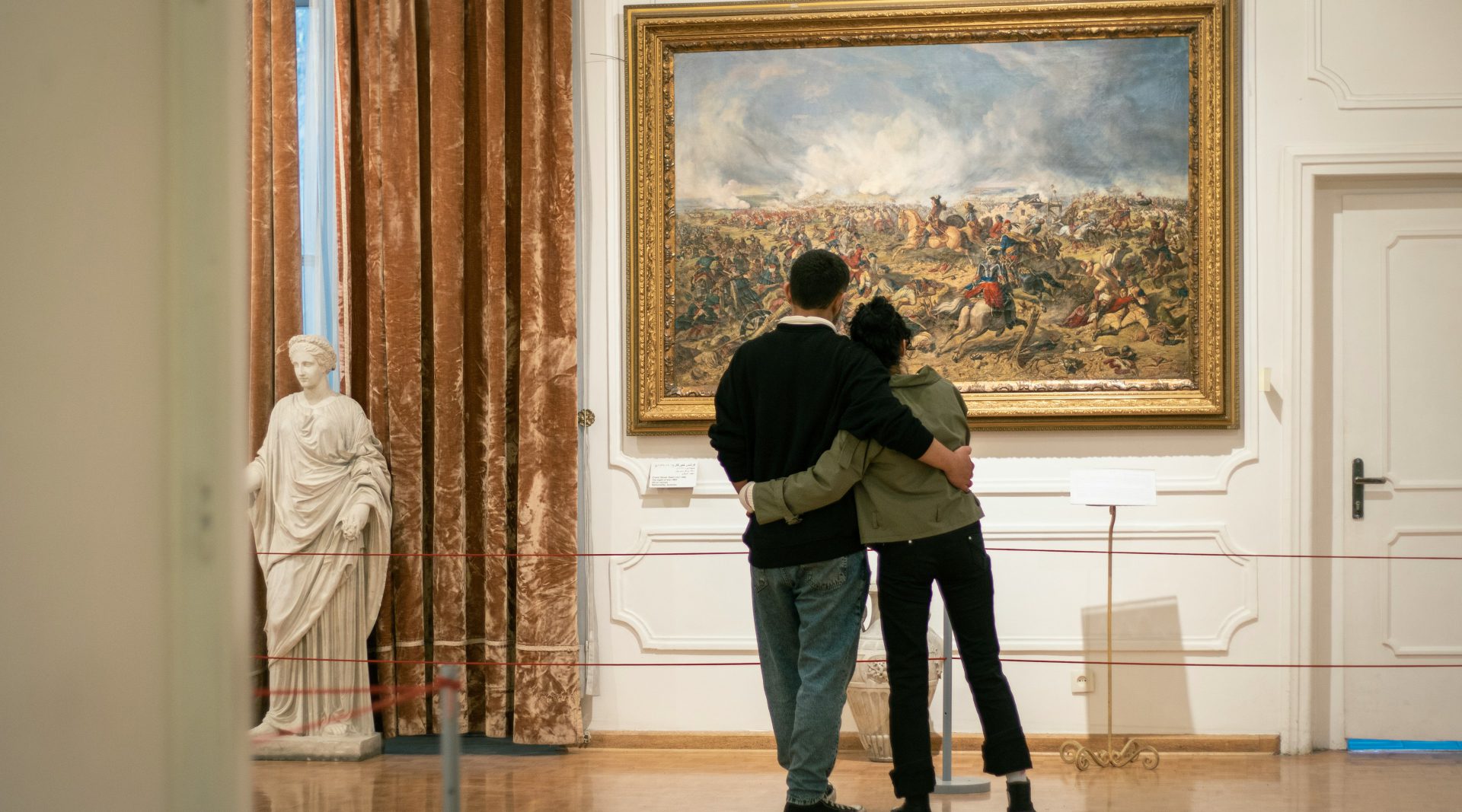
Exhibition Assistant provides exhibition tour courses who lives busy in life,
offering a convenient and enjoyable day.
Background
Why do people go to exhibitions?
According to the study ‘Analysis of Exhibition Attendance Motivations through Text Mining’, people visit exhibitions mainly to enjoy culture and relaxation with a specific person.
However, people often find it difficult to discover exhibitions that align with their preferences. Common search platforms also lack well-configured filters.
Additionally, after visiting an exhibition, finding other activities to enjoy can be challenging as the necessary information is often scattered across multiple sources.
Design Process
Discover > Define > Develop > Deliver ( Design Thinking )
Desk Research
How do people find information?
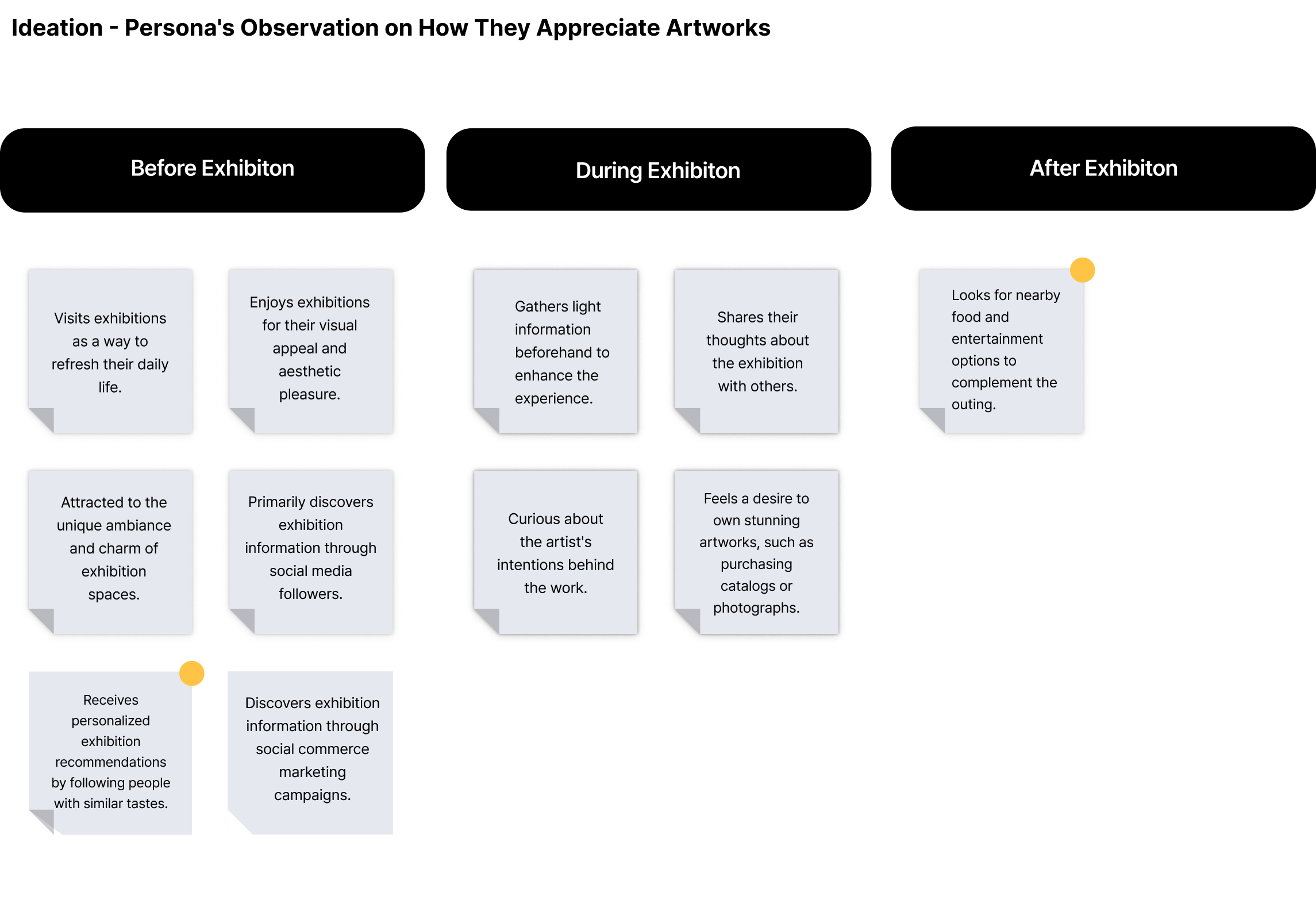
When planning to attend exhibitions, people often search for popular spots near the venue, which resembles the process of planning a trip.
The main pain point we identified is that people feel overwhelmed by the burden of organizing an itinerary.
Research >User Research
We interviewed three people (who visit exhibitions with companions).
- Why do you visit exhibitions?
- How do you find exhibitions?
- What kind of information do you look for?
Why
“I go to exhibitions for dates and to have a good time with my companion. I choose exhibitions because it feels different from usual activities, and it gives me a sense of traveling.”
How
“I browse current exhibitions and shortlist the ones I want to see. I also search for things to do nearby and make my final choice based on both the exhibition and surrounding activities.”
What
“I check the exhibition location, price, reviews, and nearby attractions.
Based on this information, I explore the area and plan the date course.”
People try to enjoy their time by finding not only exhibitions but also activities near the venue, organizing their plans as if they were creating a travel itinerary.
In-depth Interview

27, FemaleViolinistVisit With Friends
- Considers nearby places when visiting exhibitions.
- While checking out restaurant reviews, she also wants to know how to get to those restaurants from the exhibition venue.

29, FemaleOpera SingerVisit With Friends
- Prefers going with someone to exhibitions since she likes taking pictures.
- Uses Instagram for exhibition searches and platforms like Naver or Coupang for purchasing tickets.
28, MaleCar Sales ManagerVisit With Girlfriend
- Finds that even the longest exhibition visits only last about 2 hours, so having a place to rest afterward is essential.
- I don’t particularly enjoy exhibitions, so I tend to focus more on searching for nearby spots afterward. I usually check reviews and ratings on Naver first and then cross-check them on Google Maps.

27, MaleSoftware EngineerVisit With Girlfriend
- Feels more secure and confirmed about attending an exhibition if he has made a reservation; otherwise, he feels a bit uneasy and unprepared.
- Prefers searching and purchasing tickets through Naver because it’s convenient to do everything in one place and earns Naver reward points.
Persona
Rose

30, FemaleProduct DesignerVisiting exhibitions and musicalsVisit Art Museum With Boyfriend
Persona’s Goal
“I want to enjoy both a cultural experience and a date.”
Pain Points
“I want to find information on good exhibitions, but there’s too much information available.”
“It’s a hassle to plan everything, considering the exhibition and nearby activities.”
Persona’s Needs
“I want to easily plan a date course with exhibitions and enjoyable activities.”
User Journey Map
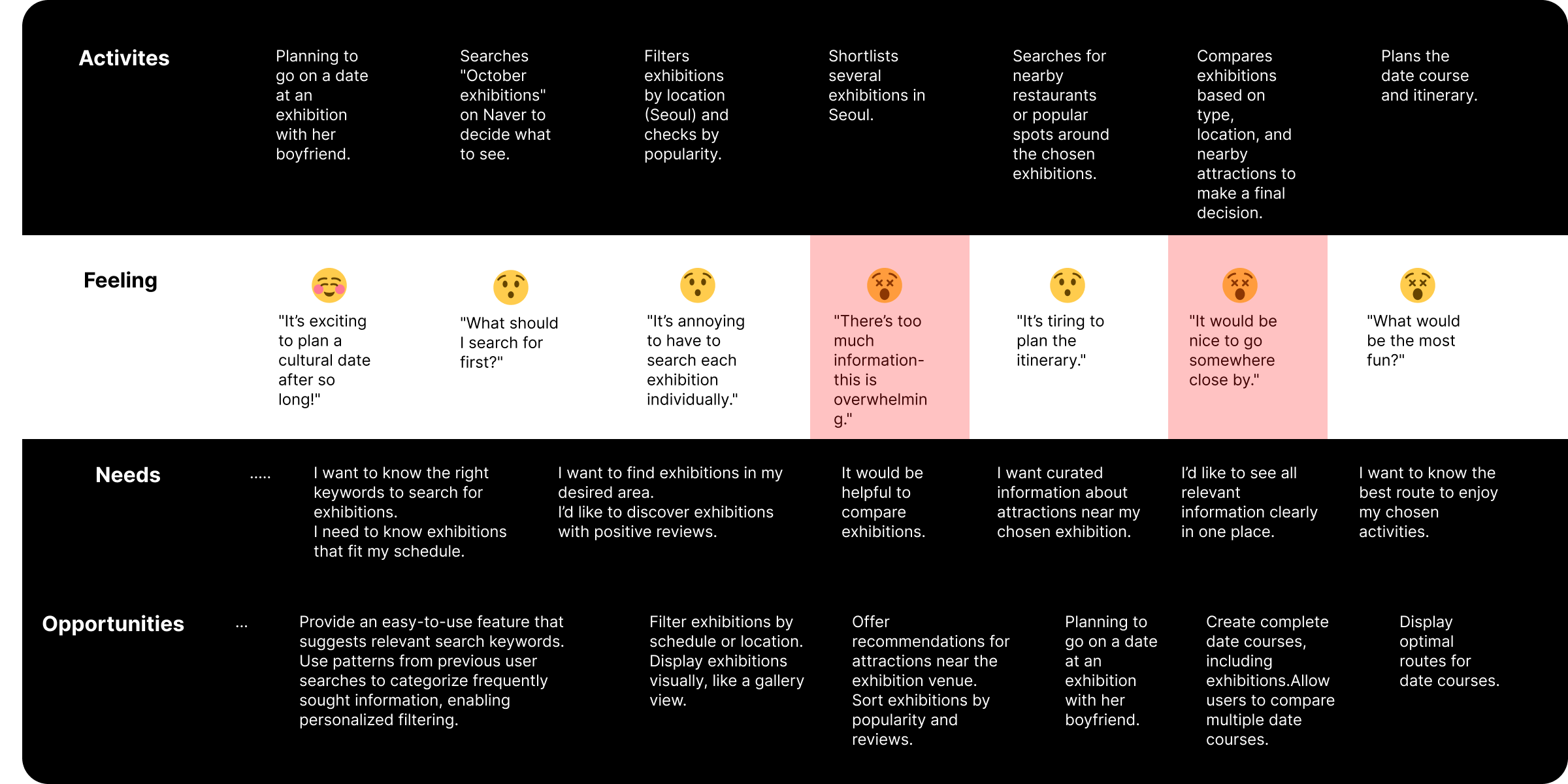
Challenge
“There’s too much unnecessary information when searching for exhibitions.”
How can exhibition information be curated to fit preferences?
“Planning everything, including nearby attractions, is a hassle.”
How can exhibition tour course information be provided in a user-friendly way?
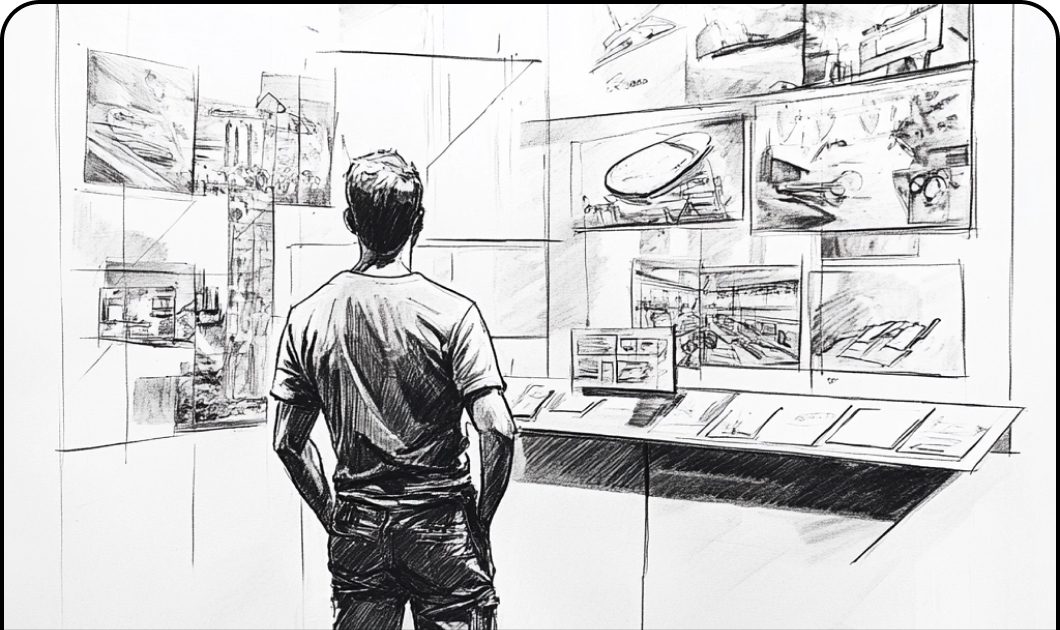
Ideation
How can we make planning easy and satisfying for
people living a hectic, hassle-filled life?
Provide tailored exhibition recommendations based on user preferences.
Offer curated information on nearby restaurants, cafes, and attractions.
Key Insights
Users place great value on finding exhibitions that match their preferences, but the search process can be time-consuming. Improving this experience is essential.
Searching for nearby places to eat, relax, or explore after exhibitions is a common user behavior, indicating a demand for streamlined recommendations for nearby attractions.
Personalized recommendation systems would have a strong impact, as users show a high likelihood of visiting suggested locations.
Solution
Based on patterns of how people search for exhibition information, frequently sought data is categorized for easy access.
Users can filter according to their desired conditions, and among the matching courses, the system recommends those with high ratings and many saves.
This helps users conveniently plan their exhibition tours.
Wireframe & Task
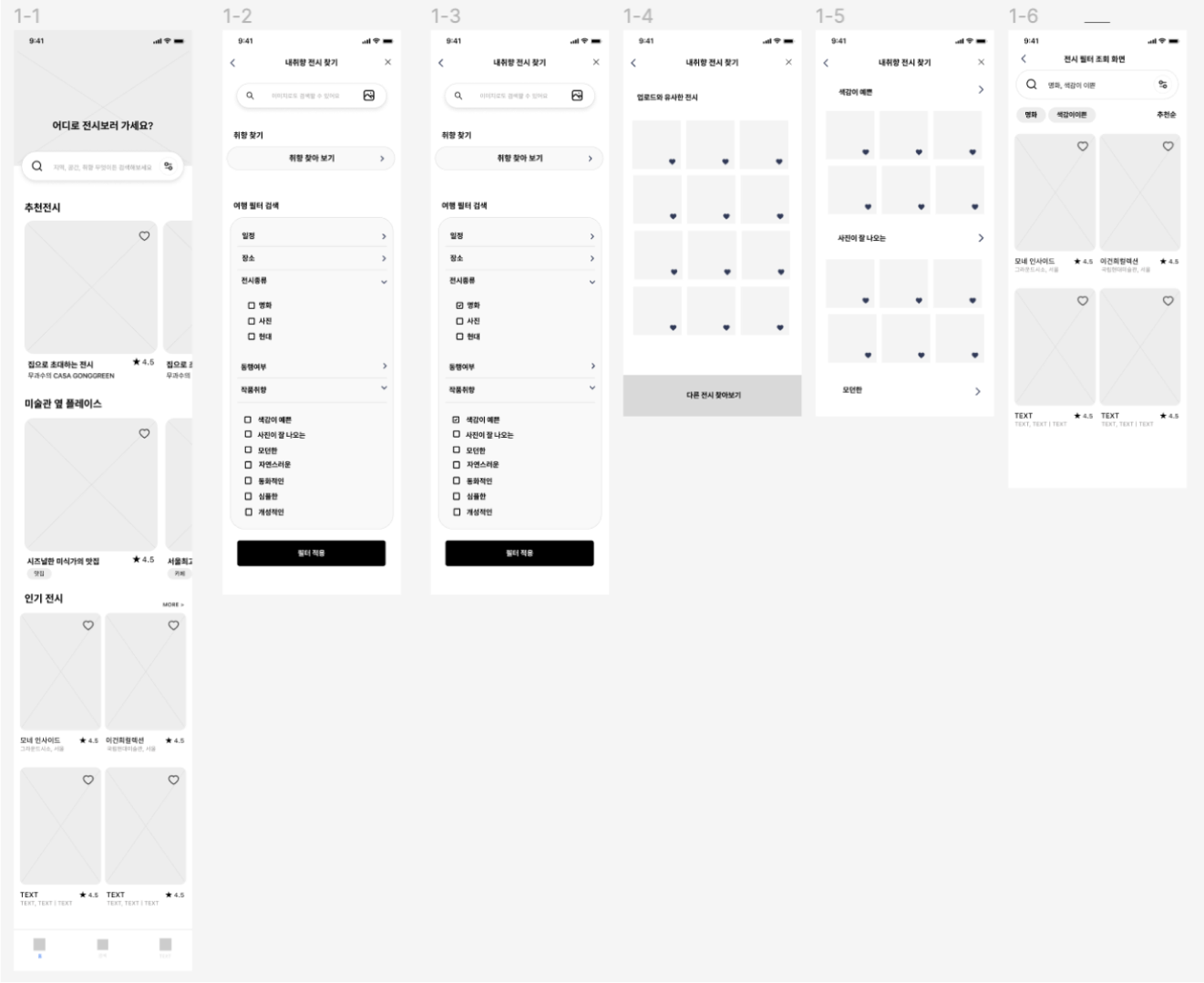
Task1
Freely Finding Exhibitions That Match Personal Preferences
Scenario: You plan to attend an exhibition. What type of exhibition are you looking for? Browse freely to find one that interests you.
Questions:
- Why did you use that feature for your search?
- Did you understand how to use this feature?
- If yes/no, why?
- Was it easy to find the function you needed?
- What was lacking when using this feature?
- Were there points of failure (e.g., issues with usability)? What made it challenging?
Task2
Using Filters to Find Exhibitions That Match Personal Preferences
Scenario: You like exhibitions featuring vibrant and colorful artwork. Use the search/filter feature to find one.
Questions:
- Did you understand how to use the filter feature to find your preferred exhibition?
- If yes/no, why?
- Was the filter feature easy to find?
- What aspects of the filter feature could be improved?
- Were there points of failure? What made it challenging?
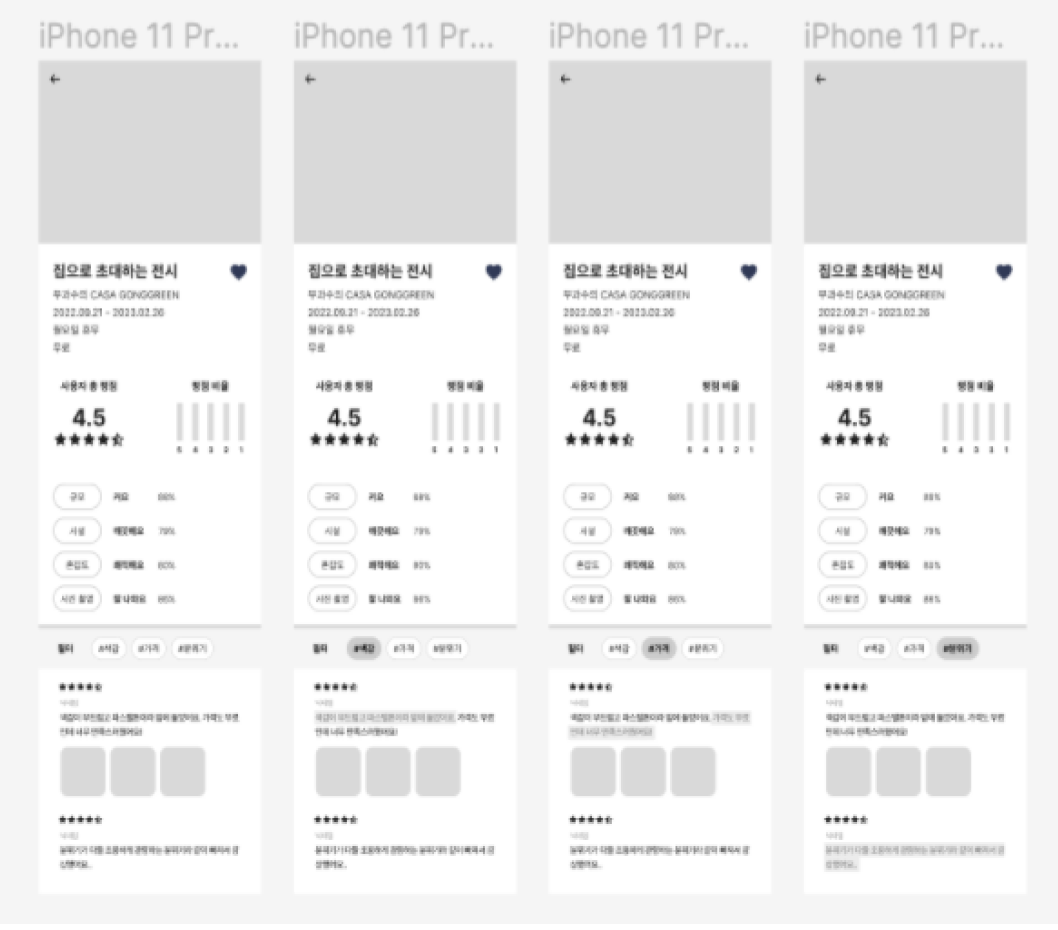
Task3
Viewing Desired Reviews Only
Scenario: You’re interested in attending an exhibition that invites visitors into a home-like setting. Filter and review relevant feedback for that exhibition.
Questions:
- Did you understand how to use the review filtering feature?
- If yes/no, why?
- Was it easy to find the review filtering function?
- What aspects of the review experience could be improved?
- Were there points of failure? What made it challenging?
Task4
Creating an Exhibition Plan
Scenario: You’ve booked an exhibition and want to plan activities around the exhibition venue. Use the provided service features to plan your itinerary.
Questions:
- Did you understand how to use the course recommendation feature?
- If yes/no, why?
- Was the course recommendation feature easy to find?
- What aspects of the course recommendation feature could be improved?
- Were there points of failure? What made it challenging?
Results & Insights from User Interviews
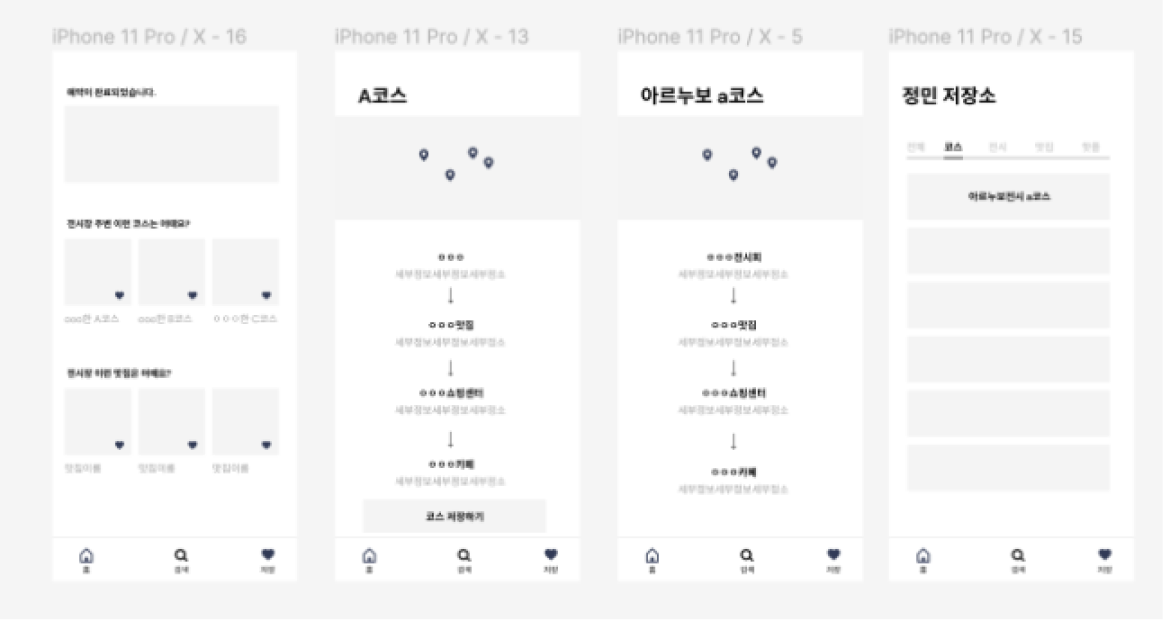
Through user interviews conducted during Task 1–Task 4,
we identified usability challenges and iteratively updated the wireframes based on feedback.
These updates led to a final design that garnered positive user evaluations.
Hi-Fidelity Design

Key feature 1
How Will Rose Experience This App?
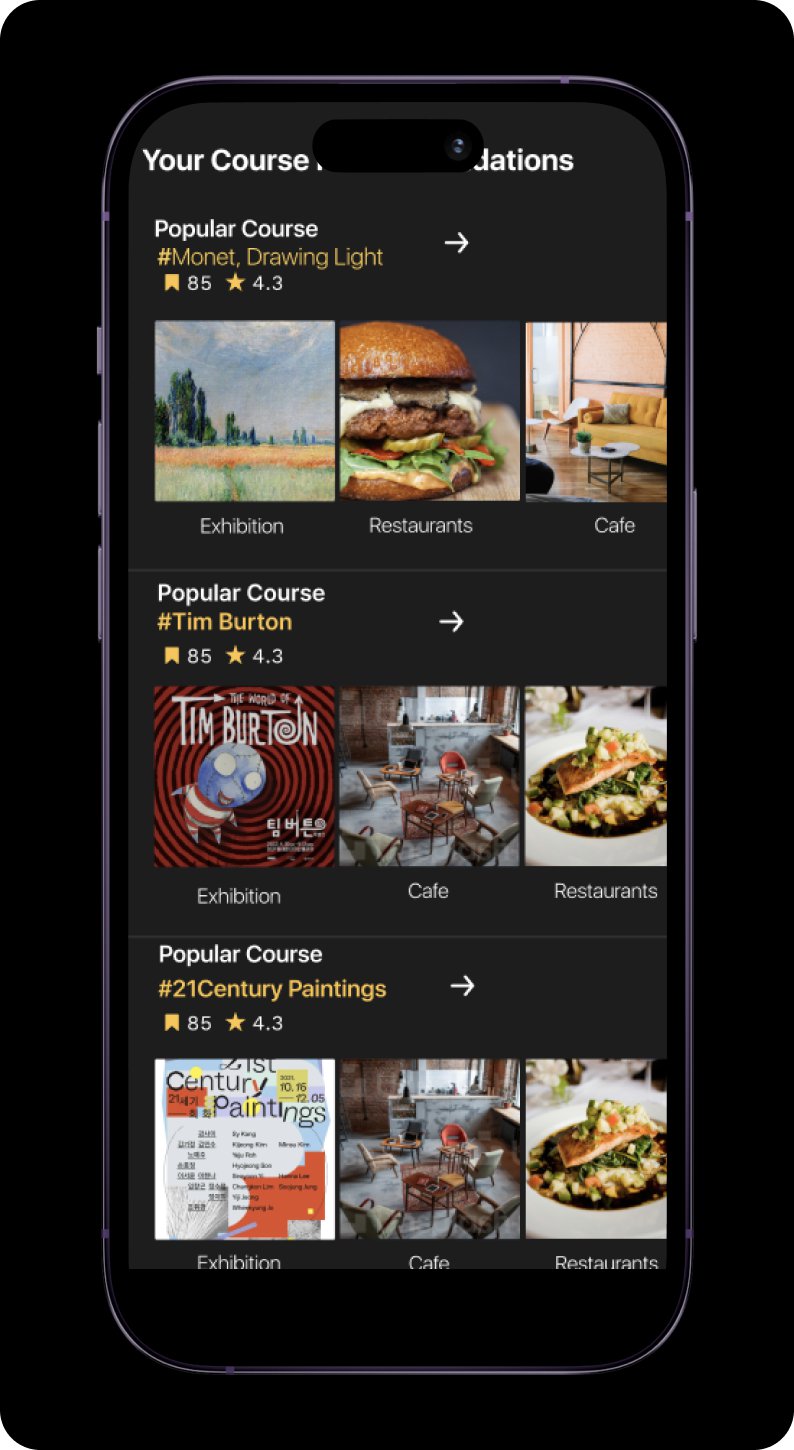
Classification of frequently searched information based on exhibition details
The pattern of searching for exhibition information is personalized to display frequently accessed information on the main page.
The content is categorized in an easy-to-view format, with personalized recommendations tailored to the user.
Key feature 2
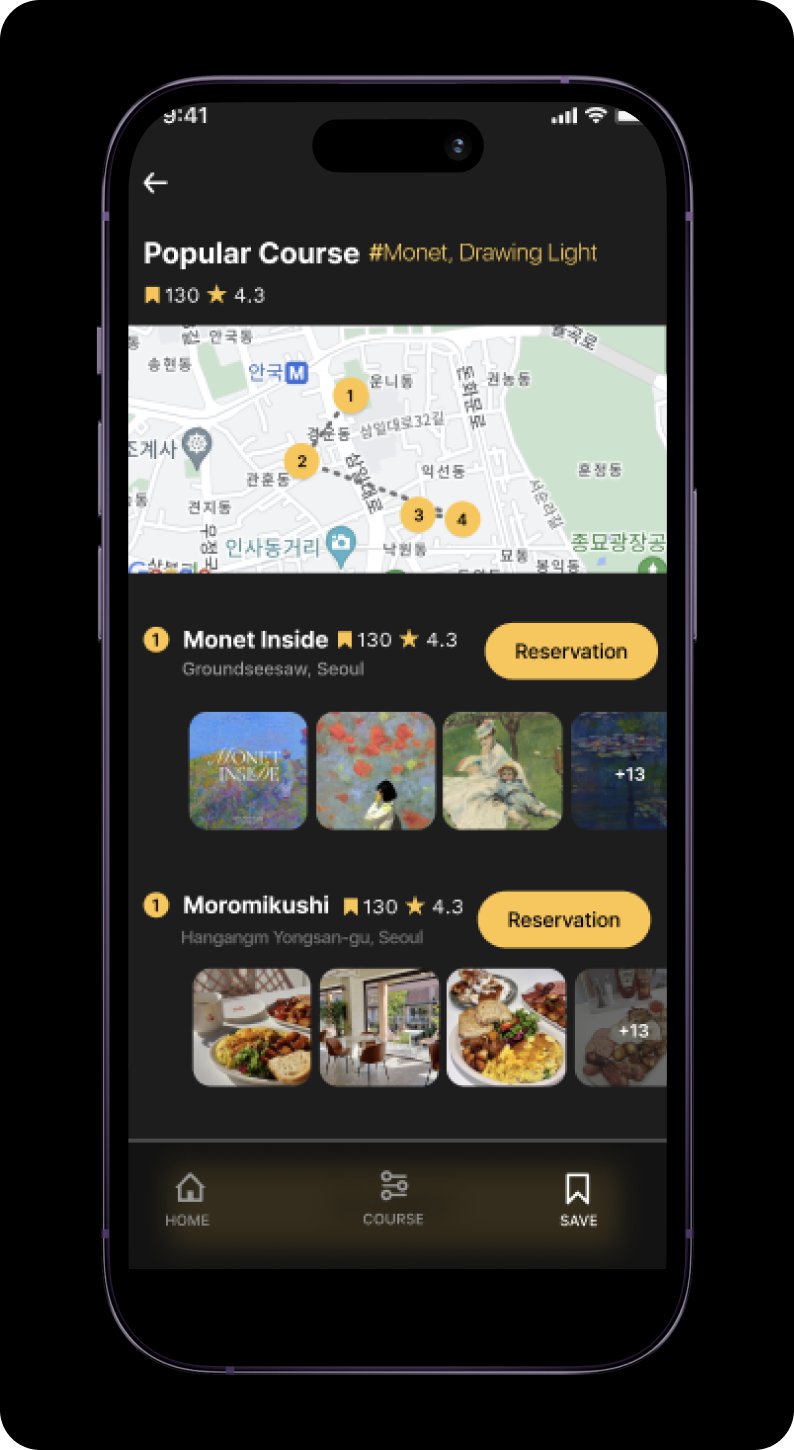
Receive recommendations
Users can filter based on their preferred conditions and receive recommendations for highly rated and frequently saved courses.
In interviews, people perceived trustworthy information as information associated with high ratings.
User Test
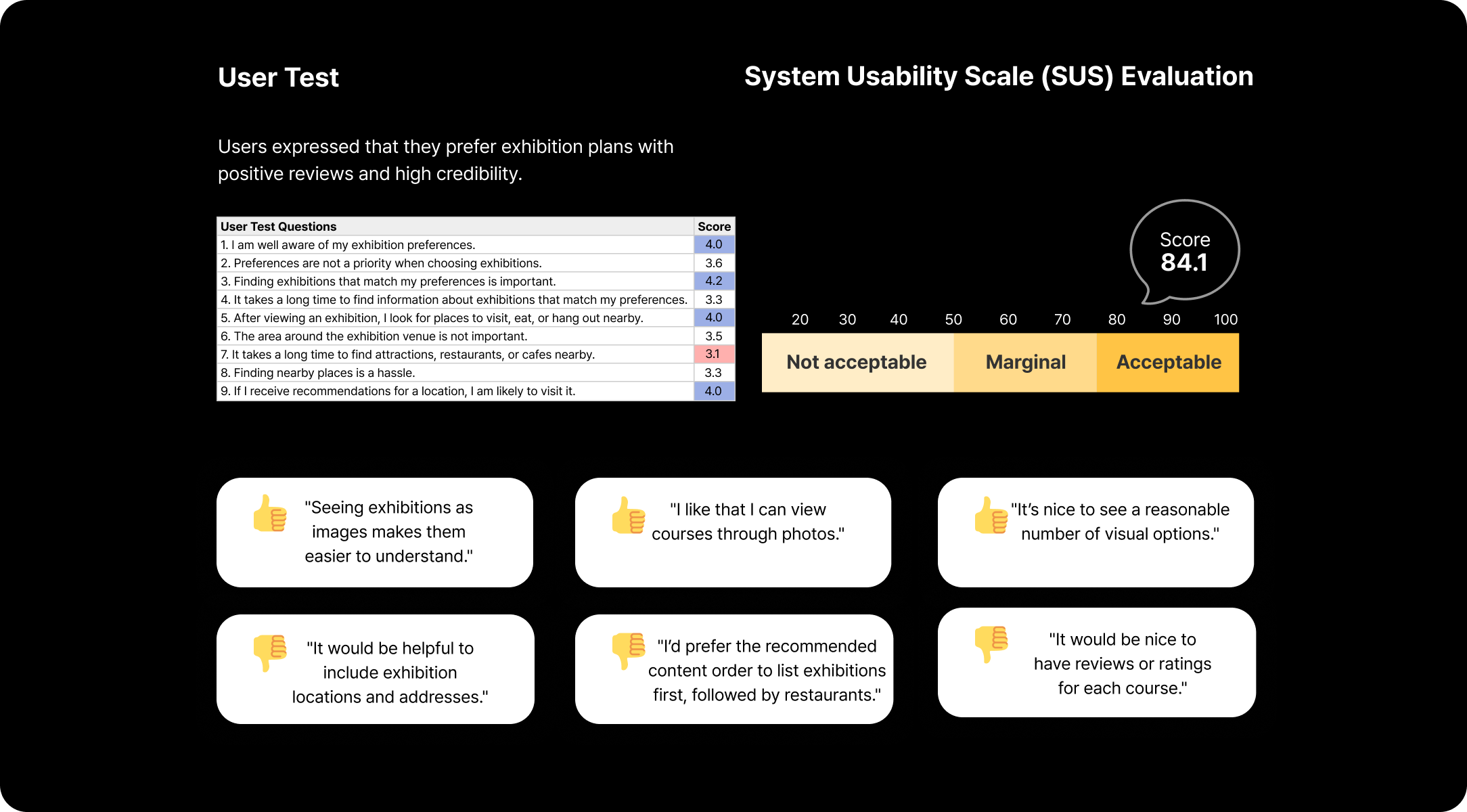
Evaluation Purpose
- Does the system provide the features the user desires?
- Is the functionality for finding exhibitions that match user preferences designed to be simple and convenient?
We conducted usability tests with three participants in their 20s and 30s.
Reflection
When our team initially started this project to improve exhibition experiences,
we targeted the MZ generation, considering their interest in art investments (ArtTech).
However, through user interviews, I discovered that people found planning the visit itself more challenging than engaging with ArtTech.
This revealed the importance of understanding users' genuine difficulties from their perspective, beyond surface-level research.
See next
 Ready Action: An AI Scene Partner That Listens, Performs, and Coaches
 Gus in the Room: Bringing a Dog Into the Classroom Through a Robot’s Eye
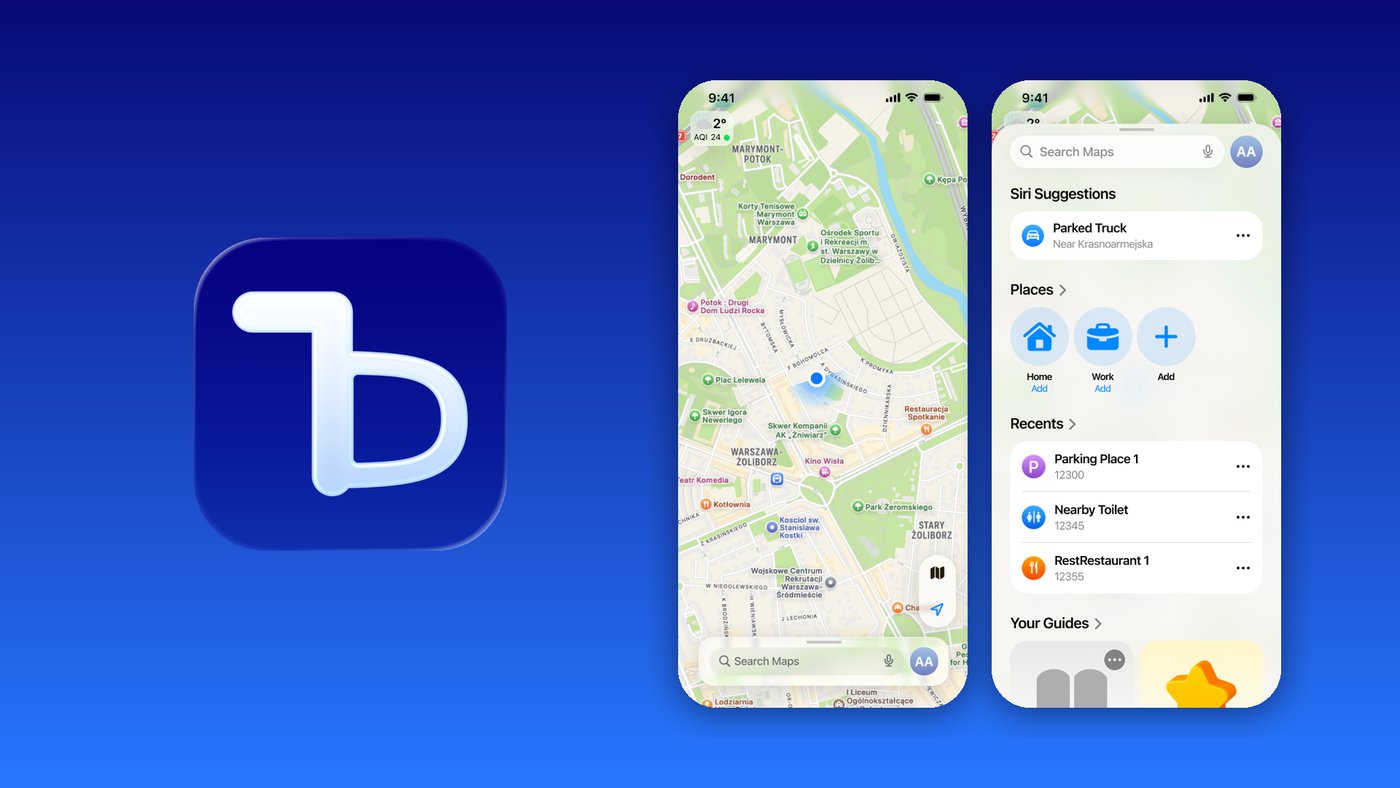 Toilet Delivery: Dignified Restroom Access for NYC Delivery Workers
 Sober Buddy: An AI Player That Joins the Table
 Budgie: Keeping Friendships Alive, One Chirp at a Time
 Dusty & Co.: Designing “Soft Clarity” for a Pottery Studio
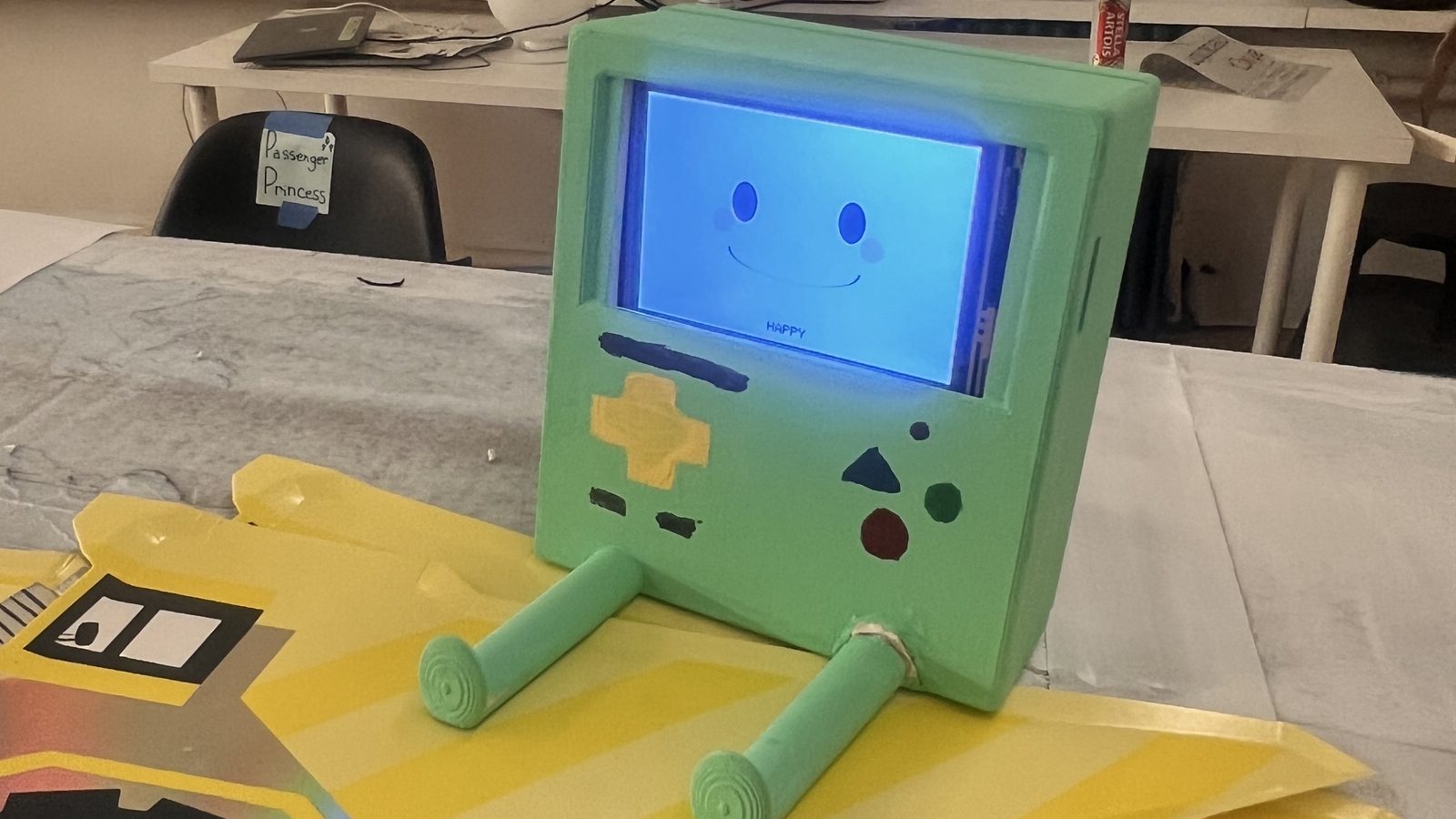 DriveBoy: An Emotional Co-Driver for Long-Haul Truck Drivers
 Industrious: Creating Natural, Authentic Connection in Shared Workspaces
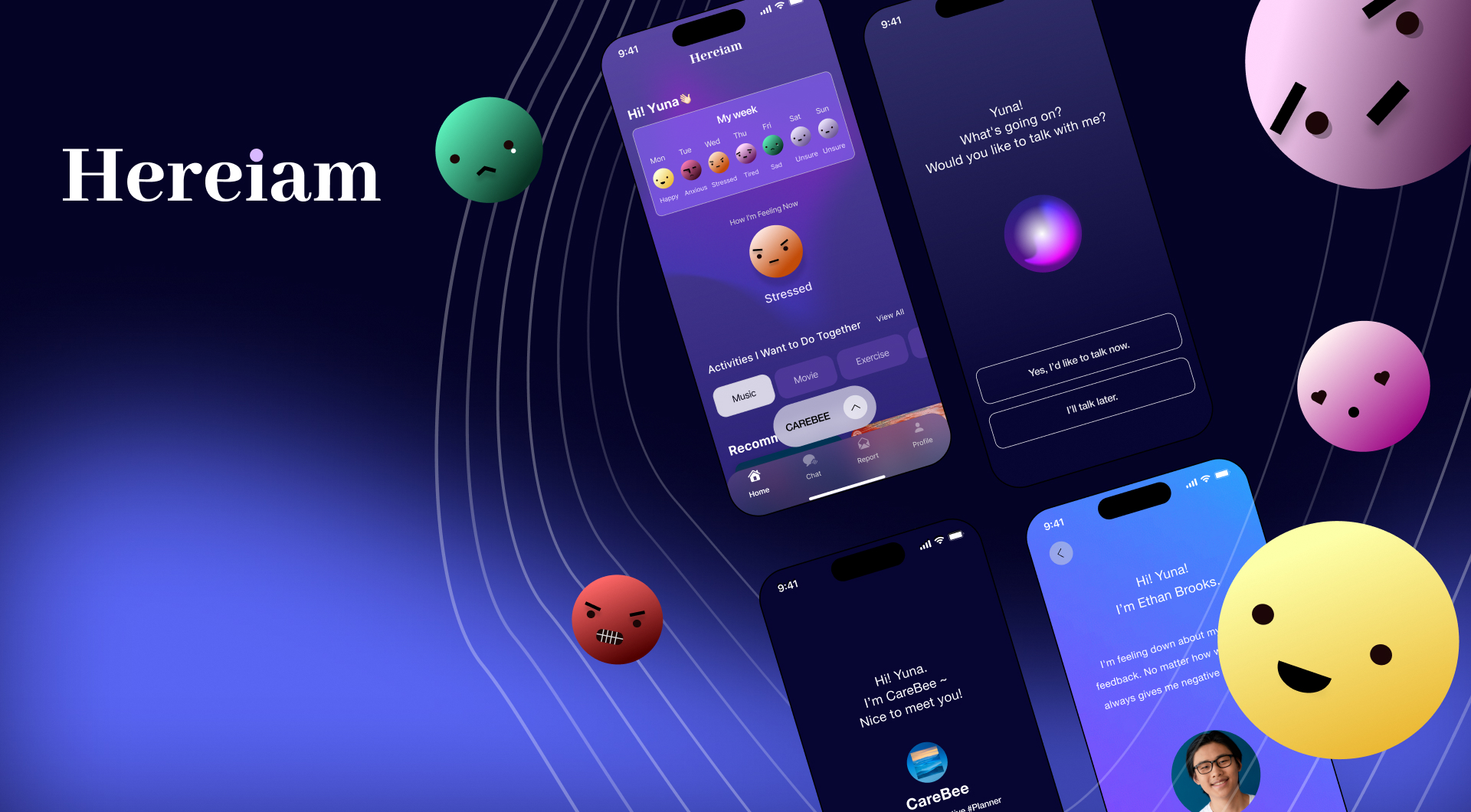 Hereiam: An AI-Driven Psychological Care Service
 Baekgomtang: A Climate Crisis Campaign Website
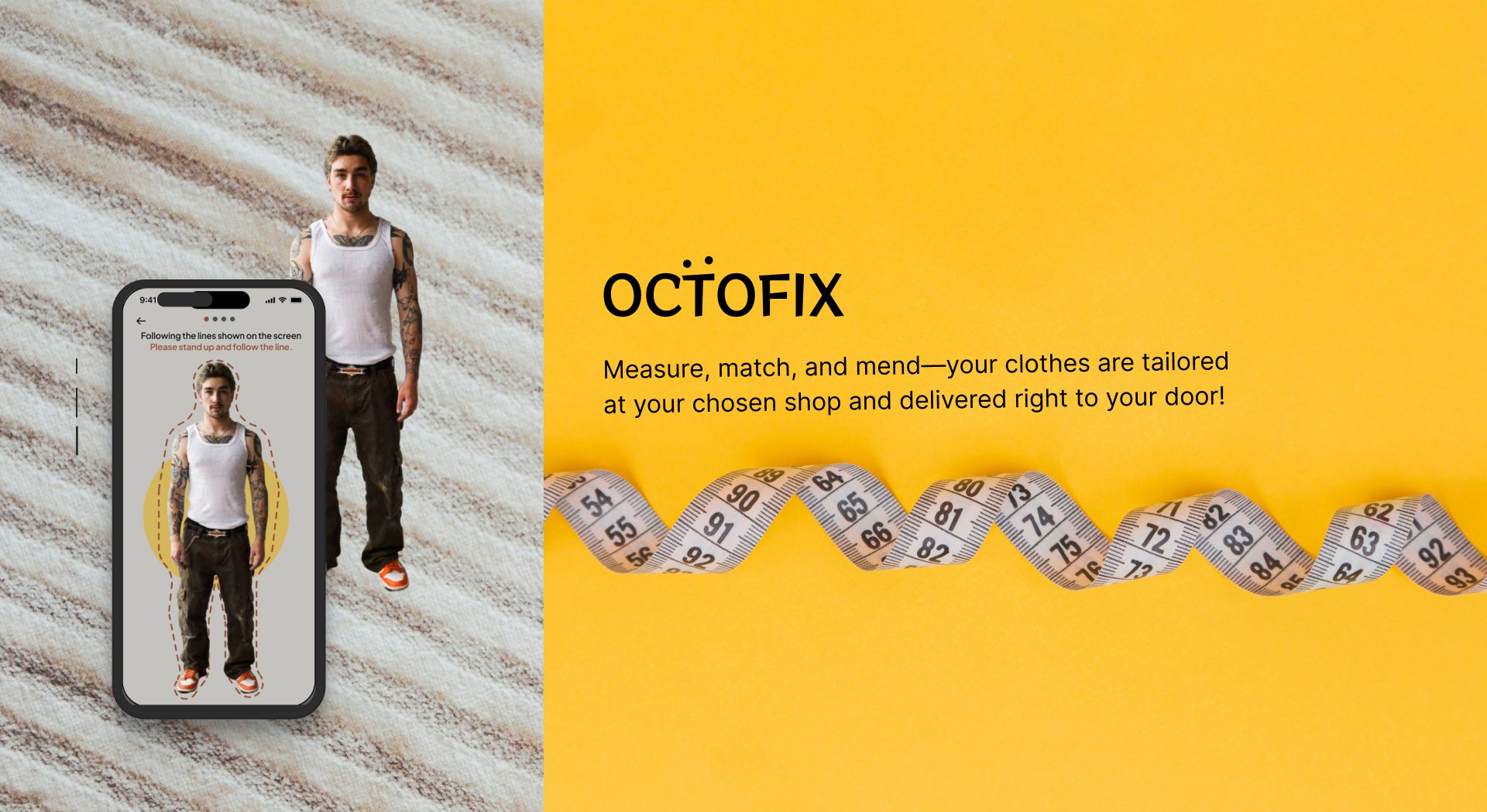 Octofix: A Direct Alteration Service for Purchase and Repairs
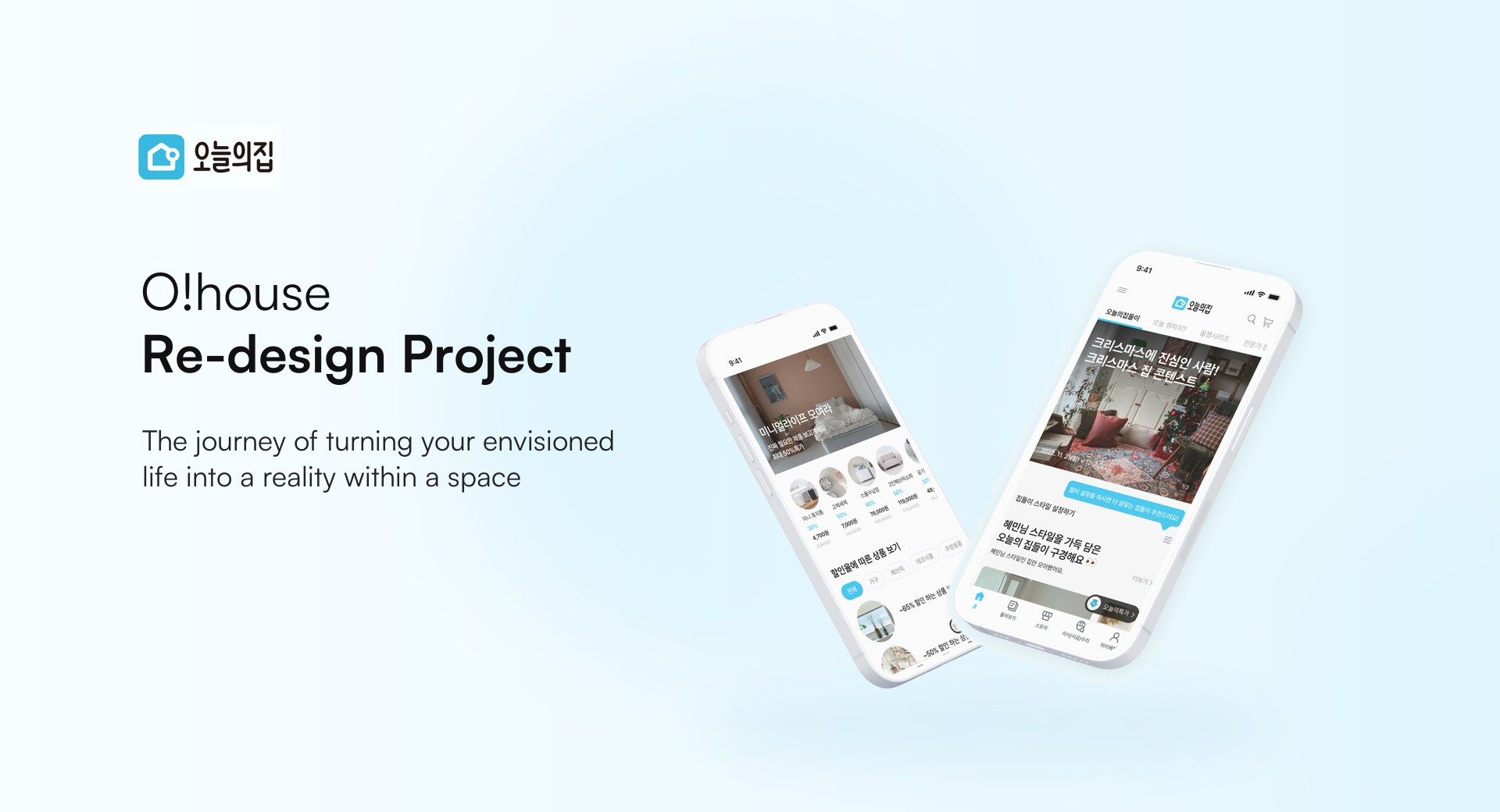 O!house Re-design: Personalized Home Tours and Deals← All work