Gus in the Room: Bringing a Dog Into the Classroom Through a Robot’s Eye
Gus lives outside. A camera on a mobile robot finds him, a computer-vision pipeline strips his background away, and his silhouette is projected life-size onto the studio wall. Classmates can steer the robot from a web app, choosing where Gus goes and taking photos of him.
Skip to solutionConcept
What does it mean to import a living thing?
Not as data or metaphor, but as a presence.
Smart objects usually bring information into a room: a reading, a status, a notification. This piece brings in someone. Gus can’t come to class, so the class goes to Gus, through a robot that looks for him and a projection that gives him a body on the wall.
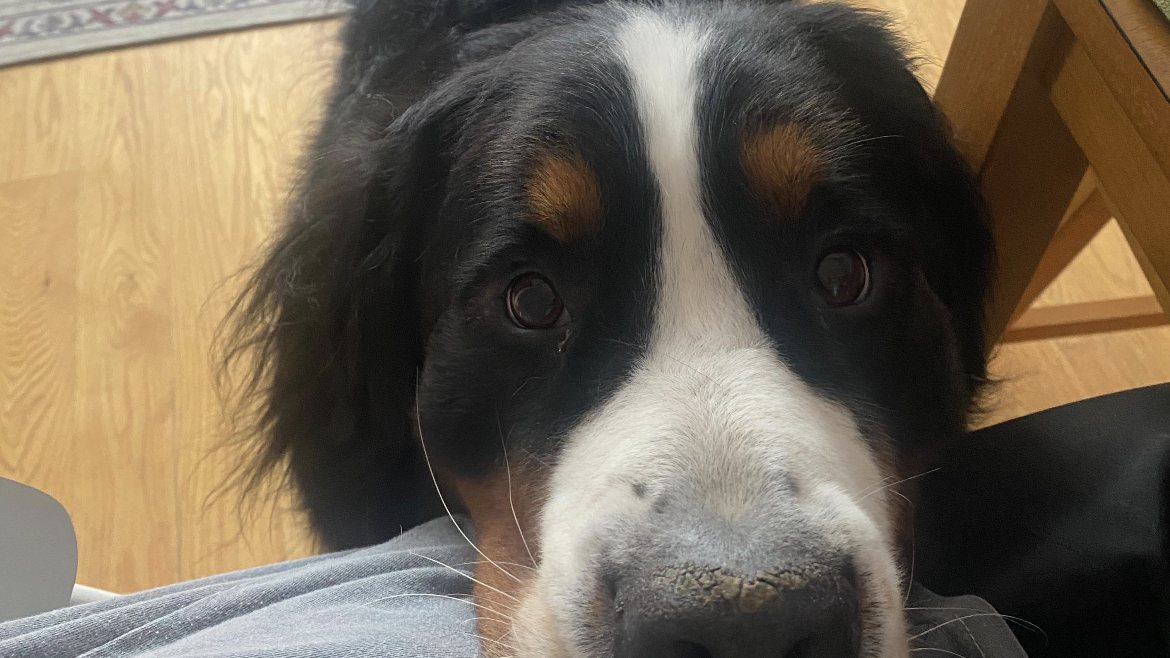
Meet Gus
The subject, seen by a robot
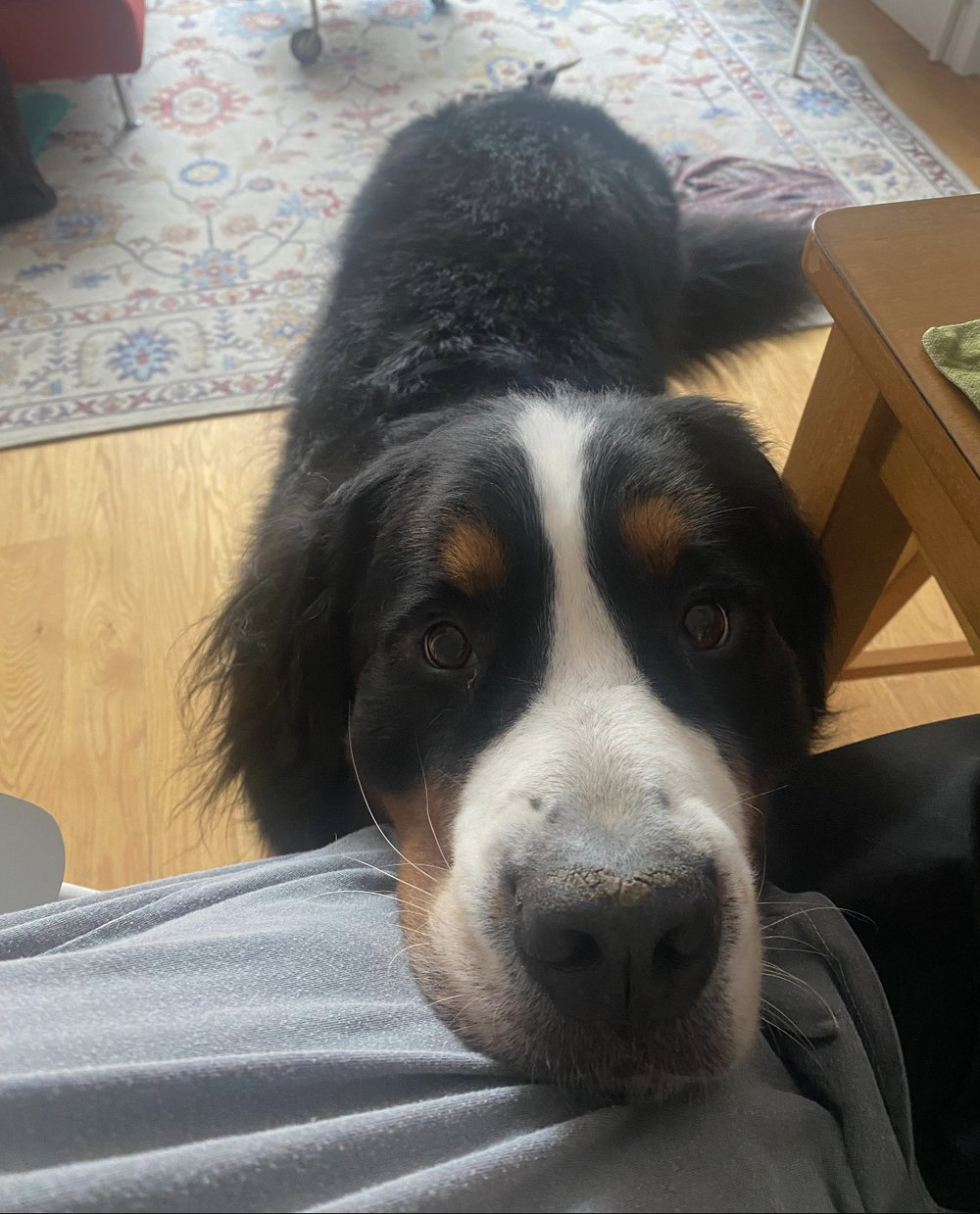
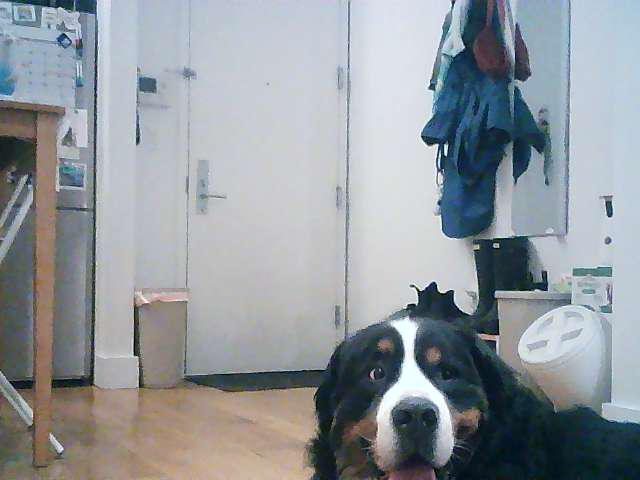
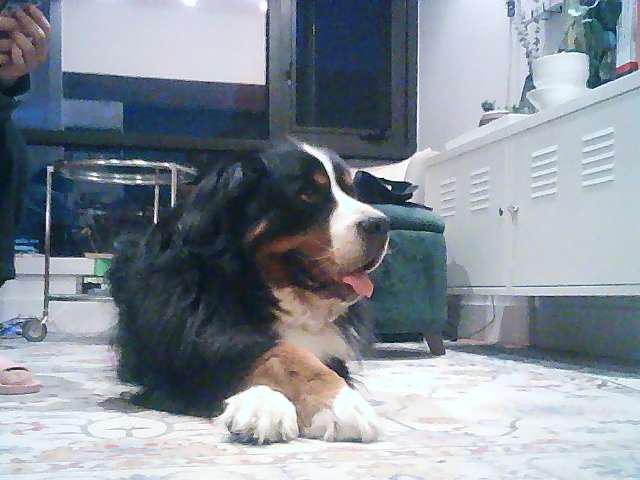
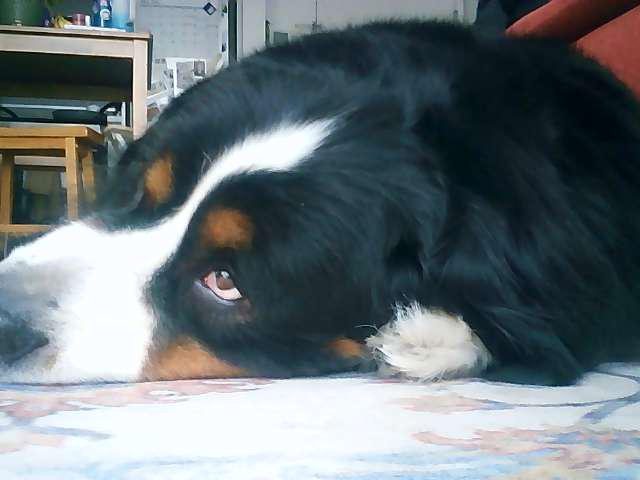
Photos captured from the robot’s camera through the remote-control app.
System
One robot, two experiences
A VIAM rover with a camera stays with Gus. Its stream feeds two separate systems: a projection in the studio, and a web remote that anyone with the passcode can drive.
Gus, outside
VIAM robot + camera
Studio projection
- VIAM camera stream
- YOLOv8 dog detector
- MediaPipe segmentation
- Guided-filter edges
- Projector: Gus’s silhouette on black
Remote control
- FastAPI backend: movement API, MJPEG stream
- React frontend: passcode gate
- D-pad controls
- Live camera feed
- Photo capture
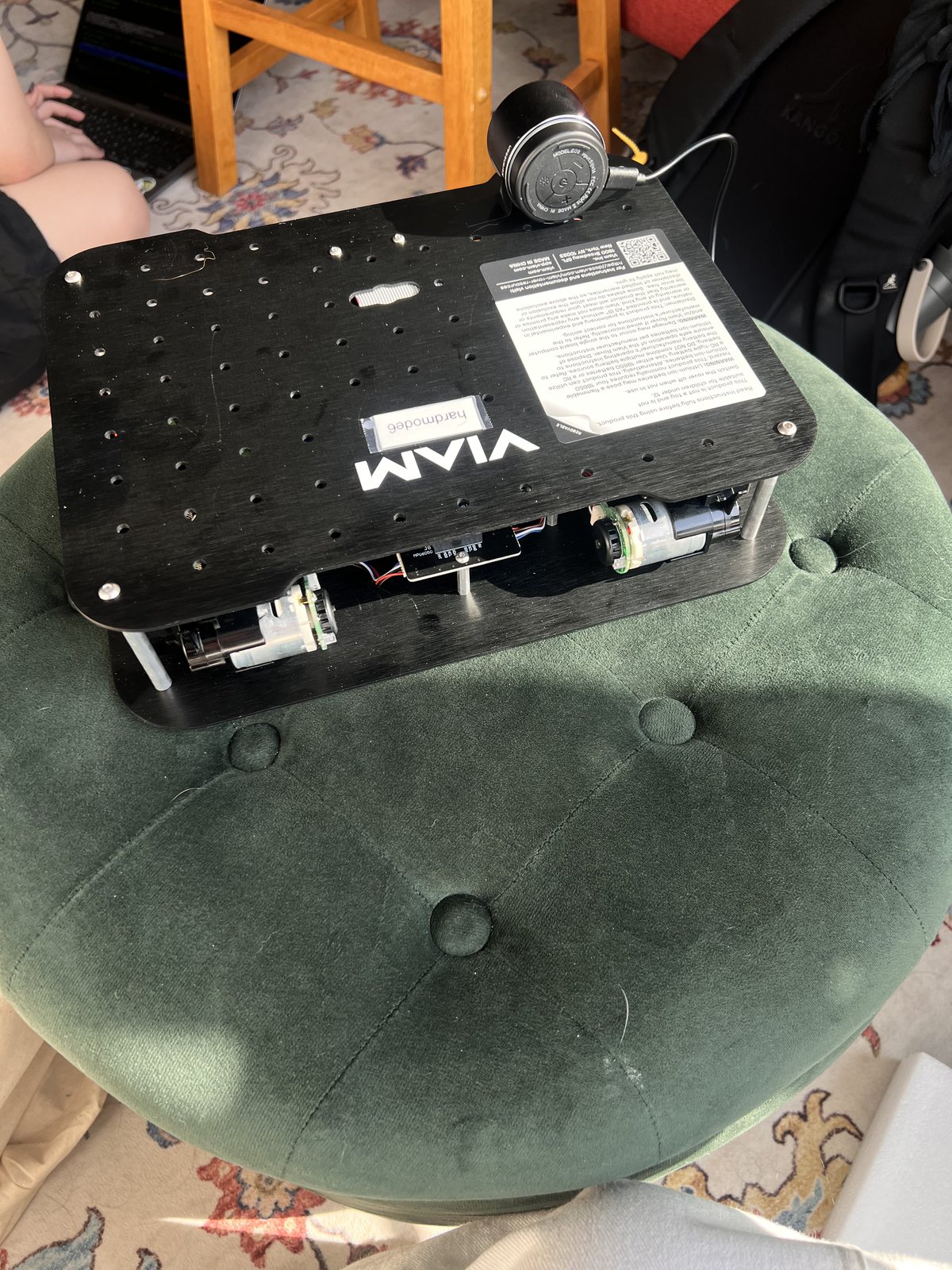
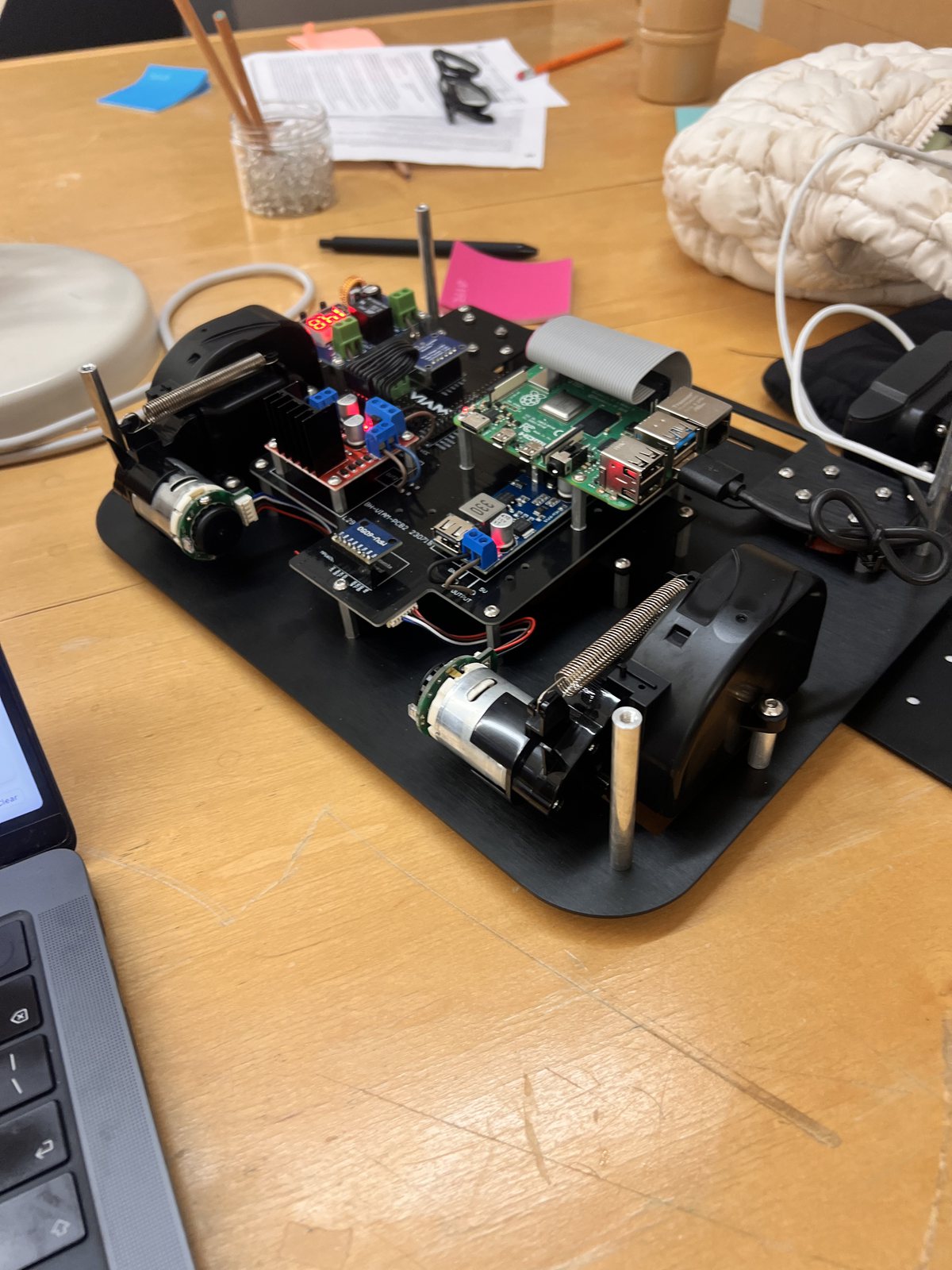
Projection
From camera frame to life-size silhouette
Every frame runs through the same five steps on a Mac connected to the studio projector.
Fetch
Pull a frame from the VIAM robot’s camera over the network.
Detect
A custom YOLOv8 model (gus.onnx) finds Gus’s bounding box.
Segment
MediaPipe segments only inside that crop, then the mask expands back to full frame.
Refine
A guided filter and Gaussian blur keep fur texture at the edges.
Project
Gamma-lift the dark fur, composite on black, and show fullscreen on the projector.
Why a custom model?
MediaPipe’s segmenter is trained on people, so running it on a whole frame with a dog gave noisy, unstable masks. Detecting Gus first and segmenting only the crop cut false positives and kept the silhouette stable.
Why a guided filter?
Blurring the mask alone makes edges soft but inaccurate. Using the grayscale image as a guide preserves fur at the edges.
Why gamma lift?
Gus has dark fur. Composited raw against black, he disappears. Lifting midtones (gamma 0.8) makes him read on the wall.
Fade on miss
When Gus leaves the frame, the mask decays over about 15 frames instead of cutting out, leaving a soft ghost of him behind.
Remote control
Let the class choose where Gus goes
A full-stack web app turns the robot into something the whole class can play with, from anywhere.
Passcode gate
Camera and controls stay hidden until the token is entered.
Live feed
The camera view refreshes about every 750 ms.
D-pad
Forward, backward, left, right and stop, sent to the robot’s movement API.
Capture
Save a timestamped photo of Gus and download it.
Exhibition
Gus at SVA Open Studio
The piece was built in the Smart Objects class, which explores cameras and computer vision as material for everyday objects (class repo), and was exhibited at SVA Open Studio.
See next
 Ready Action: An AI Scene Partner That Listens, Performs, and Coaches
 Toilet Delivery: Dignified Restroom Access for NYC Delivery Workers
 Sober Buddy: An AI Player That Joins the Table
 Budgie: Keeping Friendships Alive, One Chirp at a Time
 Dusty & Co.: Designing “Soft Clarity” for a Pottery Studio
 DriveBoy: An Emotional Co-Driver for Long-Haul Truck Drivers
 Industrious: Creating Natural, Authentic Connection in Shared Workspaces
 Hereiam: An AI-Driven Psychological Care Service
 Baekgomtang: A Climate Crisis Campaign Website
 Octofix: A Direct Alteration Service for Purchase and Repairs
 Exhibition Assistant: Planning an Exhibition Day Made Easy
 O!house Re-design: Personalized Home Tours and Deals← All work